















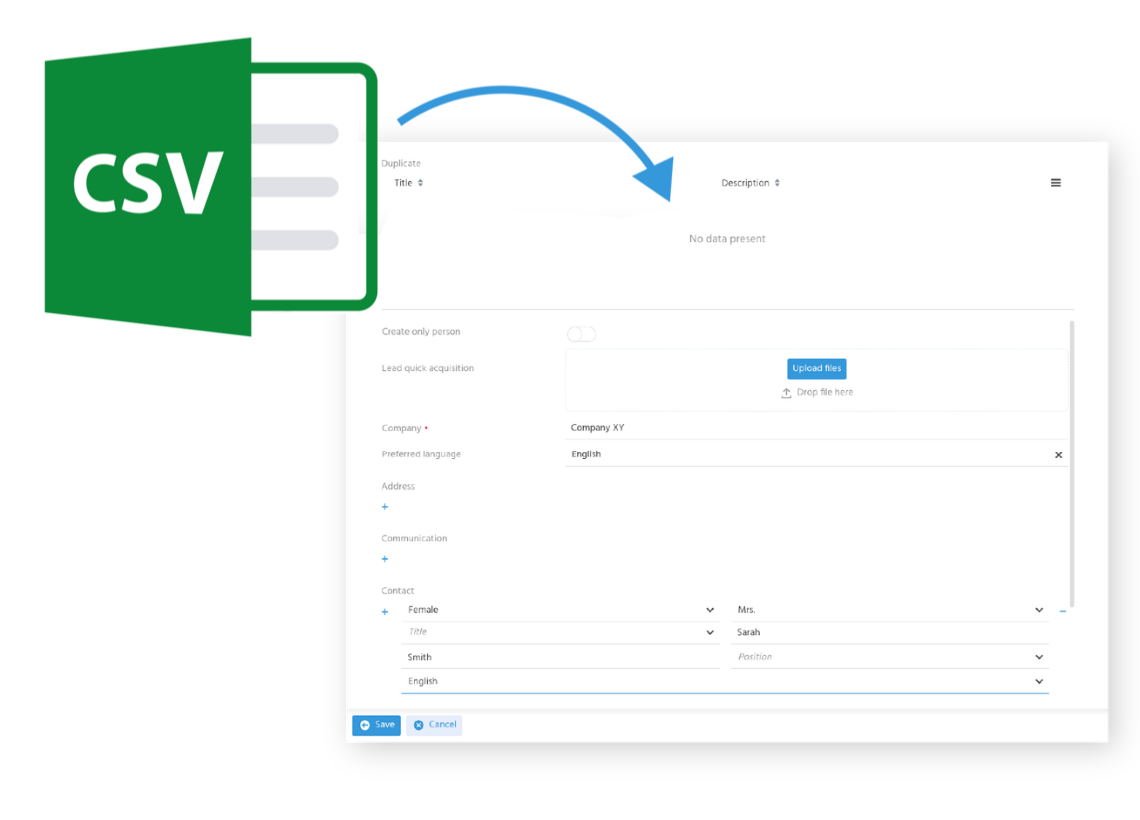
Import leads into your CRM efficiently and without errors
With the import feature in ADITO CRM, you can quickly and easily import entire contact data lists into your CRM system. These lists can come from various sources — such as trade fair leads, purchased contacts, or data from other systems. Unlike manual entry, automated import saves time and prevents errors or duplicates, as all data is checked automatically.
Migrate data quickly and securely
When introducing a new system or carrying out internal consolidation projects, clean data migration is essential. With ADITO CRM, you can ensure that all datasets are migrated completely and without errors to the new system — saving time and eliminating the manual effort of data entry.
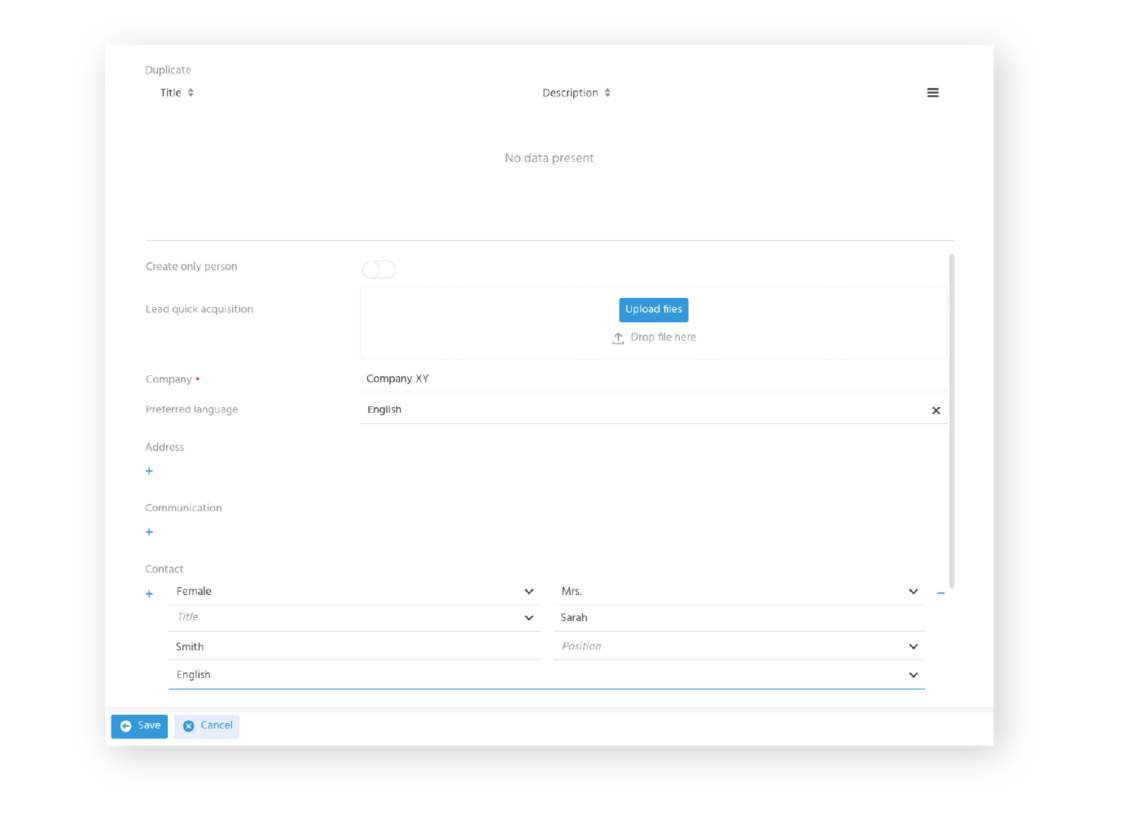
Capture contact data efficiently
When introducing a new system or carrying out internal consolidation projects, clean data migration is essential. With ADITO CRM, you can ensure that all datasets are migrated completely and without errors to the new system — saving time and eliminating the manual effort of data entry.
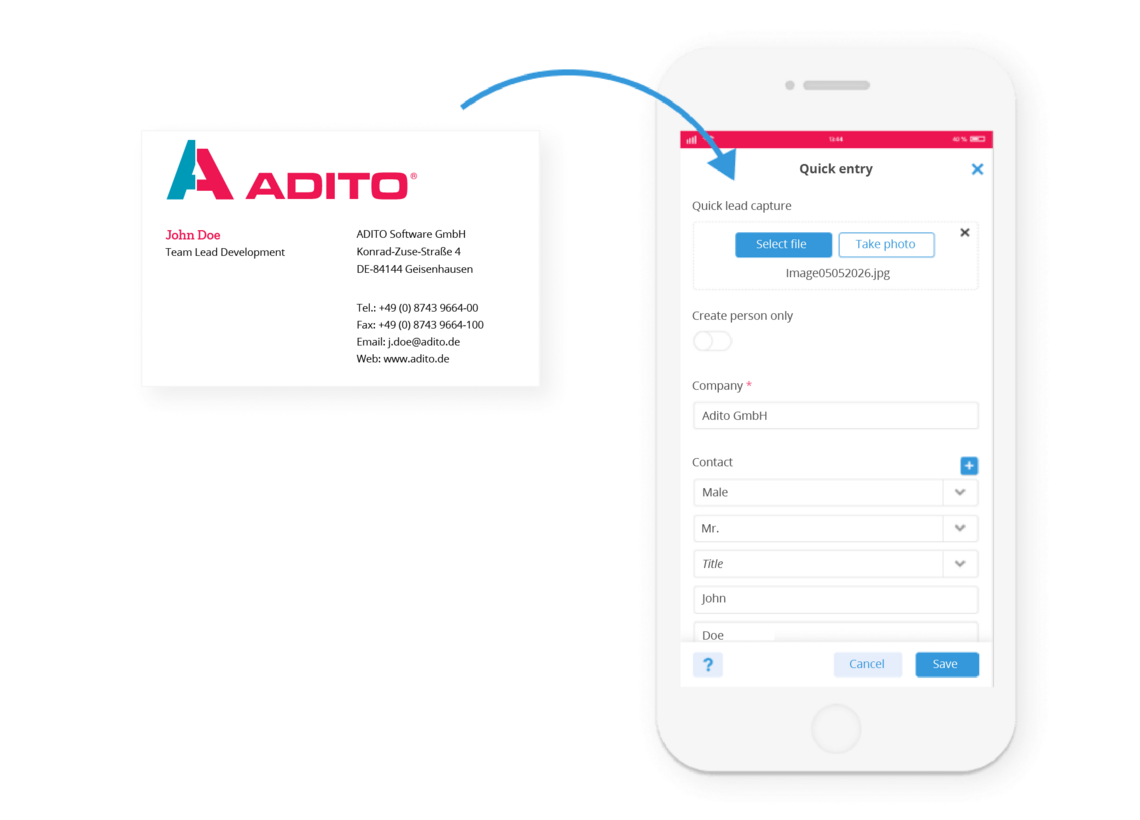
Scan business cards and save them in CRM
Use the business card scanner integrated into ADITO CRM to transfer new contacts quickly and easily. Simply scan business cards with your smartphone and save new contacts directly in your CRM system. ADITO CRM automatically recognises the data on each card and digitises it — saving you time and manual effort.
Work more efficiently with document templates
Use document templates in ADITO CRM to centrally manage uniform layouts for letters, emails and other documents that can be shared across teams. Personalisation variables are automatically filled with the relevant data from ADITO CRM, generating complete documents in seconds. This allows, for example, standard emails to be created and sent quickly and consistently.